Skip to main content Skip to footer
Tutorials Videos

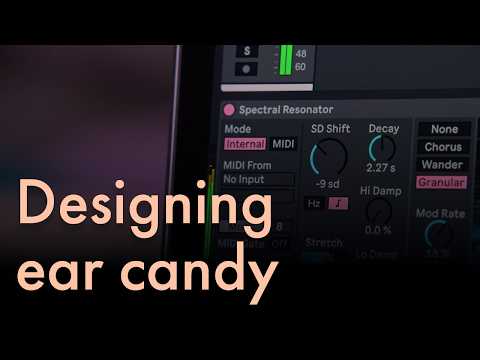
A Step-by-Step Guide for Designing Melodic Ear Candy

Learn how to design melodic ear candy in this step-by-step video tutorial. Transform sounds with Spectral Resonator, add sparkle with Redux, and play with resampling and pitch-shifting techniques to craft the perfect flourishes for your next track.

Blank placeholder image

  • Create ear candy for your track
  • Transform foley sounds
  • Keep Spectral Resonator in scale with your track
  • Automate devices with your mouse
  • Resample audio with Bounce to New Track
  • Explore some of Live’s audio editing features
  • Use Redux to add brightness
  • Reverse audio

This video is hosted by Side Brain – check out Side Brain’s Ableton tutorials on YouTube

This tutorial video uses core features of Ableton Live 12.4 Suite. Follow along for free by starting the 30-day trial.