To connect Move with your computer to control Ableton Live, or to charge Move’s battery, use the USB-C port. To connect a class-compliant MIDI device to control or play Move, use the USB-A port. More information on Move’s MIDI input and output can be found in the guide Using MIDI with Move.
Need help with Move?
Get started with: Move Minimum System Requirements, Getting Started with Move, Using MIDI with Move
Suggested articles
Account and licenses
Register, authorize and manage your products.
Troubleshooting serial registration problems
Move Minimum System Requirements
Read all articles about accounts and licensing
Technical issues
Fix crashes, performance, and audio problems.
Troubleshooting Move network connection
Read all articles about technical issues
How to
Learn features, shortcuts, and workflows.
Using Move to control Ableton Live
Read all articles about how to and workflows
Learn how to use Ableton Move
Get started with our video tutorials

03:20
Getting started with Move's views
Connect to Wi-Fi and learn about Move's three views: Set Overview, Note Mode and Session Mode.

01:45
Making a new Set
Create a new Set, the container for your musical ideas. And switch between Sets with the Set Overview.
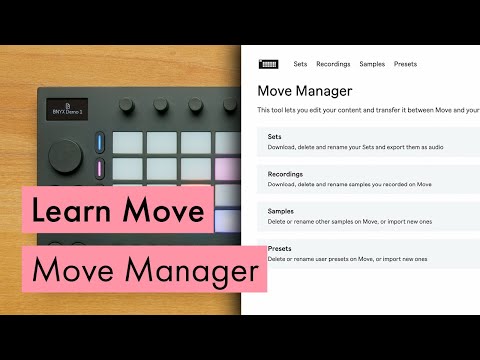
03:31
Move Manager
Manage the Sets and files on your Move, sync Sets with Ableton Cloud, and more.
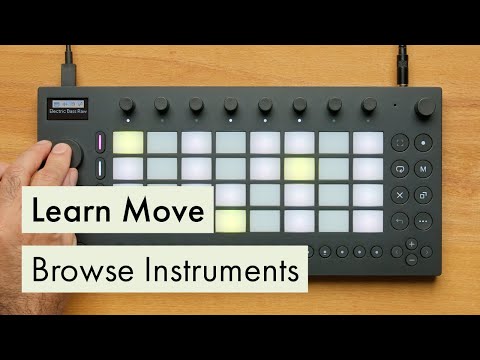
03:50
Browsing for instruments
Select different instrument presets and effects using Move's browser.
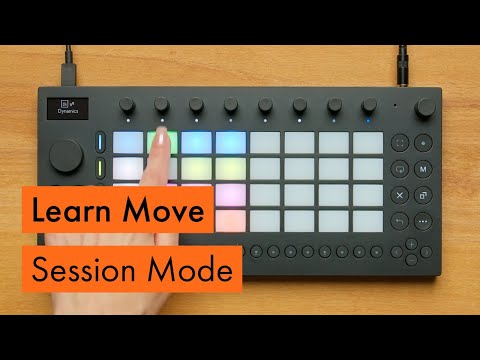
05:10
Sessione Mode
Trigger clips and scenes in Session Mode to try out different combinations of ideas and make basic arrangements.

03:02
Playing an instrument
Learn about the elements of a Set in Move and see how to play melodic and drum instruments using the pads.
05:10
Session Mode
Trigger clips and scenes in Session Mode to try out different combinations of ideas and make basic arrangements.
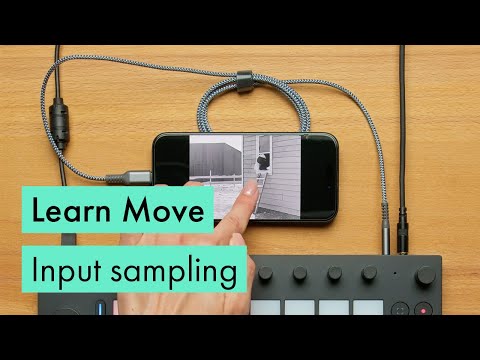
02:03
Sampling with the audio input
Learn to record a sample using Move's 3.5mm stereo input, and slice it in a Drum Rack.
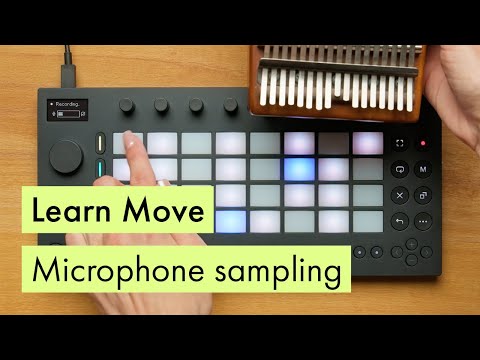
01:49
Sampling with the microphone
Record a sample using Move's built-in microphone, then play it back melodically.
Community
Certified Training
All over the globe, a growing group of trainers and institutions are offering approved Ableton teaching at all skill levels, both for individuals and groups.
Training in Berlin:
Choose from 25 certified trainers and institutions based in Berlin
Not based in Berlin? Find training near you
Join Ableton community on Discord
Our active Discord server is designed for music makers to exchange knowledge, seek advice and refine their craft.
Whether you're producing, composing, or performing, our community offers a space to learn, collaborate and grow.
Frequently asked questions
Contact support
Can't find what you need? We're here to help.
What to expect
Response within a few days. Check spam folder, and see how to receive our emails.
One ticket per issue. Submitting duplicates can slow the process.
Try the Knowledge Base first. Most common issues are already documented here.
Support for educational institutions
Are you an educational institution looking for assistance with Ableton products? Submit your EDU Support request
Find your product manual
Choose your product manual and get help with the official documentation.
Live
Live 12 manual Live 11 manual Live 10 manual
Push
Push 3 manual Push 2 manual Push 1 manual
Move
Note